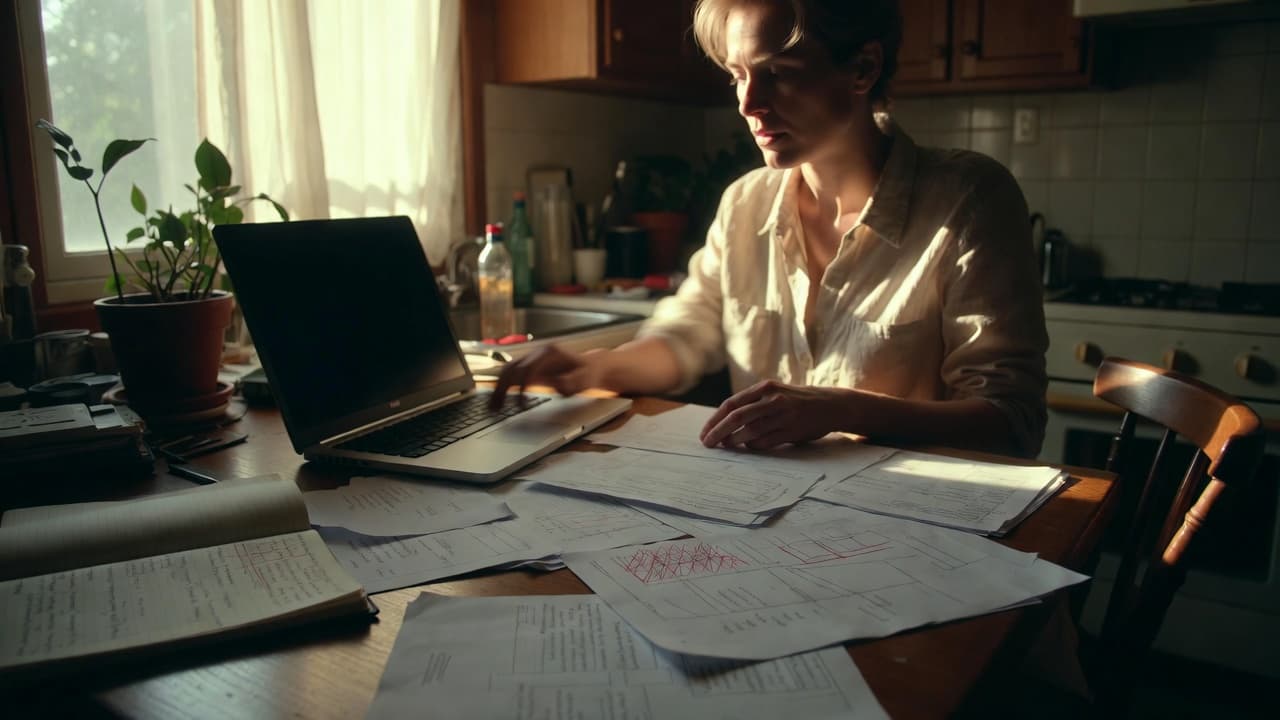
Why handwritten notes often fail
I regularly talk to freelancers who say they keep everything in their head. Reality looks different. A quick call, an unplanned meeting, and fifteen minutes disappear. These small gaps add up fast.
Take a common case: A developer bills 160 hours a month at 85 euros. Forgetting just twelve minutes a day creates four hours of lost time. That equals 340 euros missing from the invoice every month.
The rounding trap
Many people log time only in the evening. Rounding happens naturally. Five minutes here, ten there, and suddenly fifteen minutes are gone. Over twenty workdays that becomes five hours. At 90 euros per hour that is 450 euros. It is not laziness, it is simply that the brain is already elsewhere by evening.
Project allocation gets messy
Everything ends up under one big line called “client work”. Later the client asks for a breakdown by feature. Manual lists are hard to split once the details are gone.
With our users I often see agencies having to estimate afterwards. That costs time and looks unprofessional.
No separation between admin and billable work
Writing invoices, answering emails, bookkeeping – all of this takes time. If these tasks are not logged separately, overhead is massively underestimated. One freelancer I spoke with believed he worked 30 productive hours. It was actually only 22.
Breaks and interruptions
German working time law requires breaks. Many people either skip logging them or do it inaccurately. With manual tracking they are easily forgotten, leading to wrong overtime figures or problems during audits.
Practical example: You work from 9 to 6 with two 15-minute interruptions. If they are not subtracted you end up with nine hours instead of 7.5. In a five-person team the difference grows quickly.
No record of interruptions
The phone rings, a colleague drops by, a child needs attention. These moments are normal. Without a quick note they vanish. Later you believe you worked straight through.
Comparison: Manual vs app
| Criterion | Manual list | Dedicated app |
|---|---|---|
| Real-time capture | Difficult | Easy |
| Project allocation | Hard to fix later | Direct tagging |
| Break detection | Manual | Automatic |
| Error correction | Time-consuming | Immediate |
| Export for accountant | Error-prone | Structured |
The table does not say manual tracking is impossible. For very small cases it can still work. As soon as multiple projects or team members are involved, it becomes limiting.
Legal pitfalls
Since the 2019 ECJ ruling and the 2022 BAG decision, working time must be recorded objectively. Manual lists are not banned, but they must be complete and verifiable. Gaps are noticed quickly during inspections.
My advice is therefore simple: use a basic app rather than having to explain later why three days are missing.
Special case: multiple clients on the same day
Freelancers juggling three clients at once have it especially hard. Manual notes mix up easily. Switching every two hours is almost impossible to document cleanly on paper.
Calculated example: three clients, 2.5 hours each, plus 30 minutes of switching time. If switching is not logged, fifteen hours disappear per month. At an average rate of 80 euros that equals 1200 euros.
How to reduce the error rate
The simplest step is to capture time as close as possible to the activity. Instead of writing everything in the evening, note two keywords right after a meeting. This noticeably reduces what gets forgotten.
A second point: define clear categories from day one. Otherwise everything later falls under “miscellaneous” and cannot be allocated anymore.
At Jomawo I have seen users who switched from spreadsheets to an app increase their recorded hours by an average of eight percent within two weeks. That is not a marketing claim, it is what they told me themselves.
If you still prefer manual tracking, at least do a weekly plausibility check against your calendar. That often reveals the gaps.
In the end it comes down to one question: how much money and energy do you really want to spend on corrections?
Try our free time tracking – it takes two minutes to set up and saves you exactly these small but expensive mistakes.

Start for free now and track up to 160 hours per month – without paying a cent.