Why I stuck with Excel for a long time
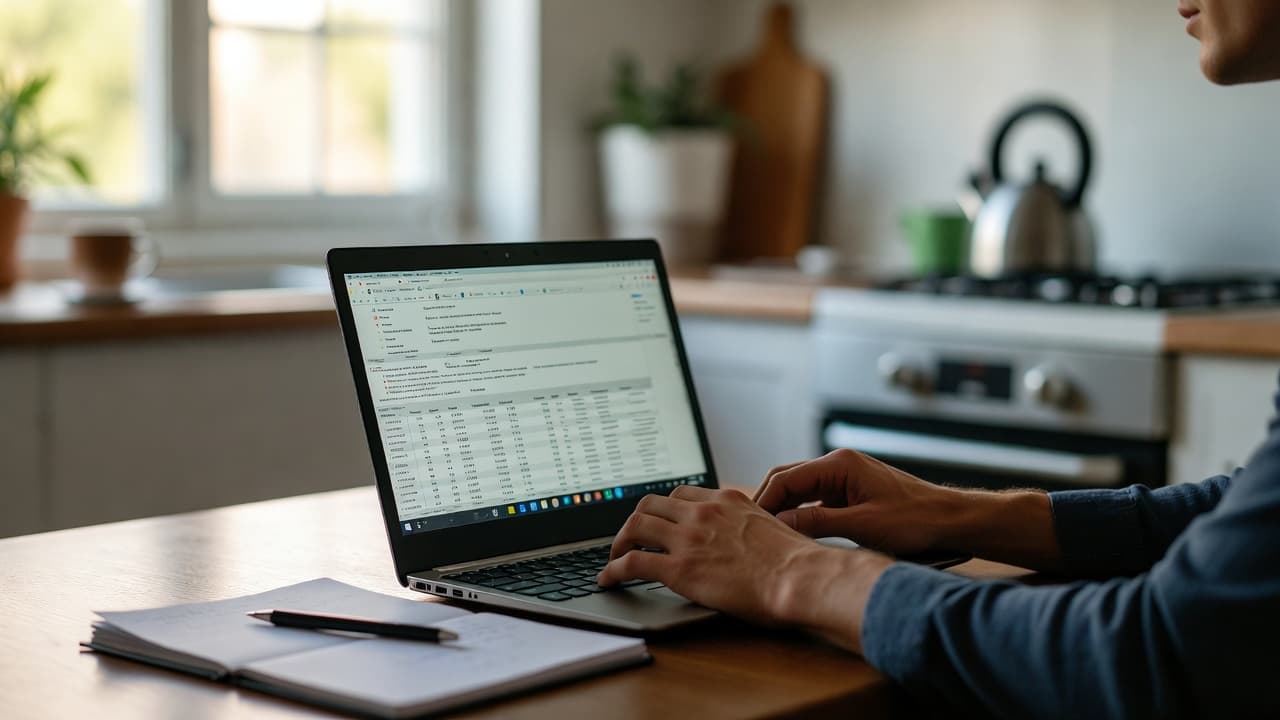
In the beginning I tracked everything in a simple spreadsheet. Columns for date, project, task and hours. It worked fine at first. After a few months it became messy. Invoices had to go out fast and suddenly entries were missing or totals did not add up.
Anyone who has tried to track several projects at once knows the feeling. One typo and the monthly bill is wrong.
Excel in daily freelance work: The real strengths
Excel is free if you already own Office. Most people know the basics. You can build your own formulas and customize everything exactly the way you want. For simple monthly lists it is often enough.
I once created a template with color coding for different clients. It looked clean. Then a client asked for detailed project reports and things got complicated.
The hidden downsides
Manual entry leads to mistakes. No automatic break calculation. No reminders if you forget to stop the timer. Exporting for invoices is always manual work. Once more than one person is involved it quickly turns chaotic.
I once overwrote a whole week because I opened the wrong file. Since then I save everything twice – but that costs time.
Dedicated apps: What really changes
An app like free time tracking runs in the background. Start the timer with one click or even automatically for certain projects. Breaks are detected, overtime is calculated automatically.
At the end of the month I click export and have a ready timesheet. No more copying. For freelancers with several clients this makes a real difference.
Typical situations where apps win
- You are on the go and want to track time quickly on your phone.
- You need monthly reports without doing the math yourself.
- You want project times cleanly separated.
- You bill by the hour and need accurate records.
Most of these points require a lot of extra work in Excel.
What does switching actually cost?
Some apps are free in the basic version. With Jomawo you can start without a credit card. Getting used to it usually takes about an hour. After that you save several hours per month that used to go into manual corrections.
I once calculated it: at an hourly rate of 80 euros the switch pays for itself if you save just three hours a month.
Practical test: One week with both systems
Try running both in parallel for a week. Track time in Excel and at the same time in an app. Then look at how much time you spend on corrections afterwards. Most freelancers I have spoken to switch after that.
It is not about banning Excel completely. Some still use it for their own calculations. Only the actual time recording moves to the app.
When Excel is still enough
If you only have one or two projects and do everything yourself. If you do not need detailed reports. And if you are really disciplined about daily entry.
For most freelancers who want to grow, it quickly becomes limiting.
In the end it comes down to how much time you want to spend on your actual work. Our work time tracking is built exactly for that. Give it a try and see if it makes sense for you.

Start for free now and track up to 160 hours per month – without paying a cent.