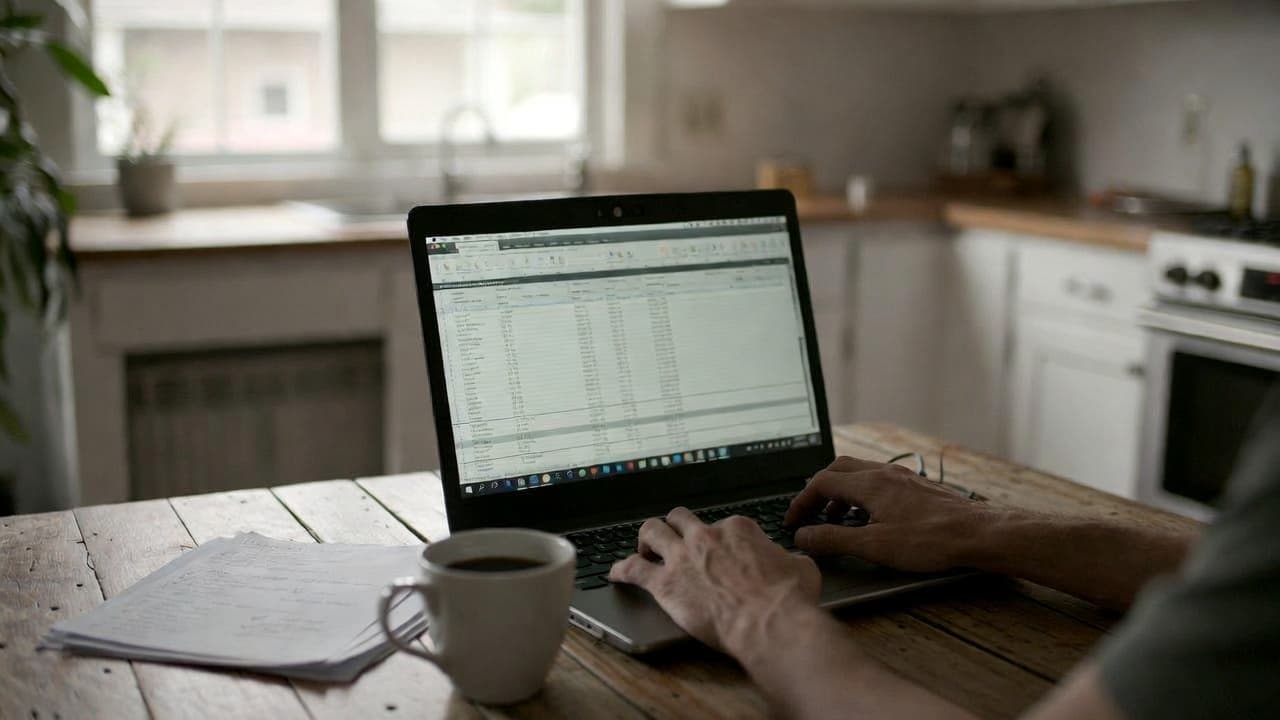
Why many freelancers start with Google Sheets
It looks straightforward at first. Create a sheet, add date, project and hours. Done. I did the same for years before building Jomawo. One client once asked for a quick three-month overview. It took me almost half an hour because formulas had broken.
Google Sheets is free, accessible everywhere and most people already know it. No new tool to learn. For one or two projects with just a few hours per week it often works fine.
Common setup issues
You have to build every formula yourself. Overtime, breaks, different rates – everything manual. One wrong date and the totals are off. Many simply copy last week’s rows and adjust. That quickly leads to mistakes.
What spreadsheets are missing
There is no automatic assignment to clients or projects. Reports must be rebuilt every time. Export for the accountant? Usually just PDF or manual copy. When a project runs over several months the file becomes hard to read.
I remember talking to a freelancer who had three parallel projects. She ended up with four different sheets and no easy way to combine them. That was the point she switched to a dedicated tool.
Time spent on manual maintenance
Many underestimate how much time this takes. Sorting rows daily, checking sums, copying formulas. With five or six active clients it quickly adds up to several hours per month. Time that should go into billable work.
When a dedicated app changes things
A proper time tracking tool handles the structure. Create projects, assign clients, store rates. Start and stop the timer. At the end of the month the timesheet is ready.
With Jomawo we focused on keeping the start simple. No complicated setup. Still you get clean reports right away. That saves nerves especially when month-end is approaching.
Automatic calculations and reports
Overtime is detected automatically. Monthly and quarterly reports are one click away. Invoices can be created directly from tracked hours. With spreadsheets this usually requires a lot of manual work.
Another point: mobile use. You can track on your phone without entering everything later. Google Sheets works on mobile too, but the interface is not built for it.
Real cost comparison
Google Sheets costs nothing. A free time tracking tool like Jomawo already includes project management and exports in the base plan. For solo freelancers that is usually enough. If you later add a small team you can scale easily.
The real question is not just price but time saved. If you gain two or three hours per month it pays off quickly.
Flexibility when needs grow
Some start with sheets and only later realise they need more. Then they face the choice of rebuilding everything or starting with the right solution. Many people I spoke with later wished they had switched earlier.
Practical decision guide
- Only one or two projects and few client changes? Google Sheets can work.
- Need clean monthly reports and invoices? An app saves time.
- Work on the go or across devices? Dedicated tools are clearly better here.
In the end it depends on how much time you want to spend on administration. My experience is that most freelancers underestimate how fast manual maintenance grows.
If you want to try free time tracking you can start with us right away. No credit card required. The core features are available from day one.
A good next step is also our comparison of spreadsheet vs professional software if you want to look at more options. And if you are just getting started with time tracking, 5 tips for efficient time tracking gives concrete advice.

Start for free now and track up to 160 hours per month – without paying a cent.