Free Time Tracking Excel Template 2021
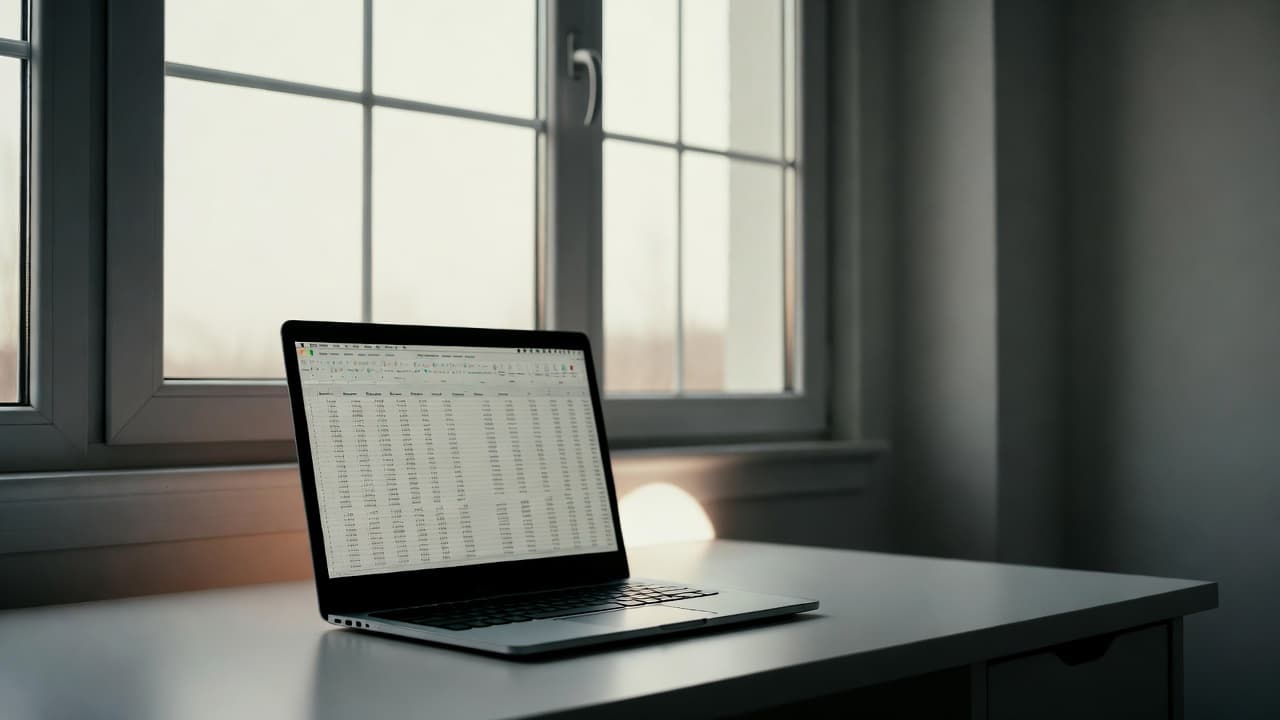
Free Time Tracking Excel Template 2021
In 2021 many freelancers relied on spreadsheets for logging working hours. A free time tracking Excel template offered a quick start without installing new software.
Why Excel templates were popular back then
Excel was already installed on most computers. Users could easily create columns for date, project, task and hours. Many templates included automatic sum formulas and basic charts.
Common elements of such templates
- Date and weekday column
- Project and client fields
- Start and end time or direct hour input
- Automatic daily and weekly totals
- Optional break and overtime tracking
Advantages of a free Excel template
The solution was ready to use immediately and incurred no recurring costs. Customizations were flexible and the familiar Excel interface felt comfortable for many users.
Limitations compared to modern tools
Manual entry was required and automatic time tracking was missing. Formula errors or forgotten entries quickly led to inaccurate reports. Team collaboration and mobile access were not supported.
Integration with project tools was also limited, forcing users to switch between multiple files.
Modern alternatives to Excel templates
Specialized platforms now provide more convenience. Our work time tracking lets you start and stop timers with one click and generates reports instantly.
A side-by-side comparison highlights the key differences between spreadsheets and professional solutions.
When Excel is still a viable option
For very basic single-user needs an Excel template can still work. As soon as multiple people or projects are involved, switching to a dedicated free time tracking solution becomes worthwhile.

Start for free now and track up to 160 hours per month – without paying a cent.