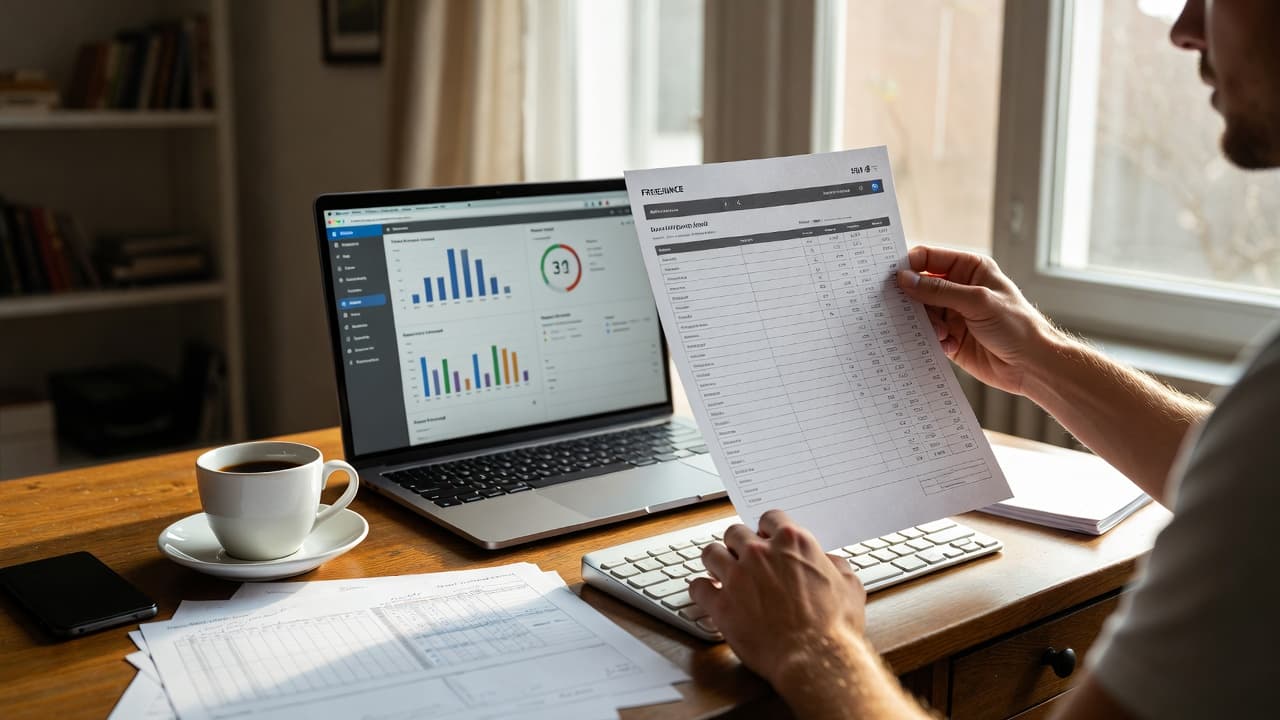
Why this comparison matters for freelancers
Freelancers often spend more time on admin than they would like. The question whether automatic time tracking or manual timesheets work better comes up in almost every conversation I have with users. Both approaches have clear advantages and drawbacks that depend heavily on personal work habits.
What manual timesheets look like in daily life
Many freelancers begin with Excel or a printed form. They note project, task and time at the end of the day or even on the weekend. Anyone who has handled a client project with lots of small revisions knows the routine. The advantage is full control. You decide what counts as billable and what does not.
The downside appears quickly on irregular days. A short call, a quick search – these minutes easily disappear. Later when creating the invoice the total is lower than expected. I have heard this exact feedback several times: “I thought I worked six hours but it was only four and a half.”
Common mistakes with manual tracking
- Forgetting small tasks
- Estimating times afterwards
- Mixing up projects
- Missing breaks or travel time
How automatic time tracking actually works
Modern tools run in the background or start with one click. You switch between projects and the software keeps counting. Some solutions even detect which document or program you are using. For freelancers who spend most of their time at the computer the effort drops noticeably.
I used to compile everything manually in the evening. Since we introduced a mix of automatic and manual tracking at Jomawo, accuracy has improved noticeably. Not everything runs fully automatic – you still need to review – but the base data is already there.
Advantages of the automatic approach
Time is captured more completely. Reports can be generated in a few clicks. Clients receive transparent records. Integrations with invoicing tools remove extra steps.
Drawbacks you should not ignore
Some tools feel complex at the beginning. Privacy questions matter, especially with cloud solutions. Not every activity can be tracked automatically in a meaningful way – creative phases or client calls are good examples.
Direct comparison using typical freelancer situations
A web designer with many small change requests often benefits from automatic tracking. The many short sessions otherwise add up incorrectly. A consultant who mainly works on-site with clients may prefer manual notes for flexibility.
The difference becomes especially visible during invoicing. Automatic data gives an instant overview. Manual lists require prior collection and checking. Both paths reach the goal, but the time investment differs.
Which method suits which type of freelancer?
Anyone juggling many parallel projects and valuing detailed reports tends toward automatic solutions. Those handling only one or two clients at a time and preferring handwritten notes often stay with timesheets. A hybrid approach is also possible: automatic base data plus manual corrections.
Combining this with free time tracking for freelancers is worth considering. Many tools offer free starter versions so you can test both methods.
Practical tips for switching
- Start with a two-week test phase.
- Track daily how much time the recording itself takes.
- Compare captured hours with your own estimates at the end.
- Check whether the reports work for clients and your accountant.
Another useful read on the topic is Time Tracking Excel: Pros and Cons Overview. It explains exactly when Excel reaches its limits.
What I learned from user feedback
Most freelancers underestimate the ongoing effort of manual tracking at first. After a few months with accurate automatic capture many do not want to go back. Others deliberately stay with timesheets because they want to keep full oversight. Both choices can be right – it depends on your daily routine.
In the end it is not about finding one perfect solution but the one that fits your situation. Testing reveals which path creates fewer friction points.
Want to try both variants yourself? At jomawo.com/en you can test free time tracking that supports automatic and manual options.

Start for free now and track up to 160 hours per month – without paying a cent.