Time Tracking Home Office: Legal Requirements and Practical Tips
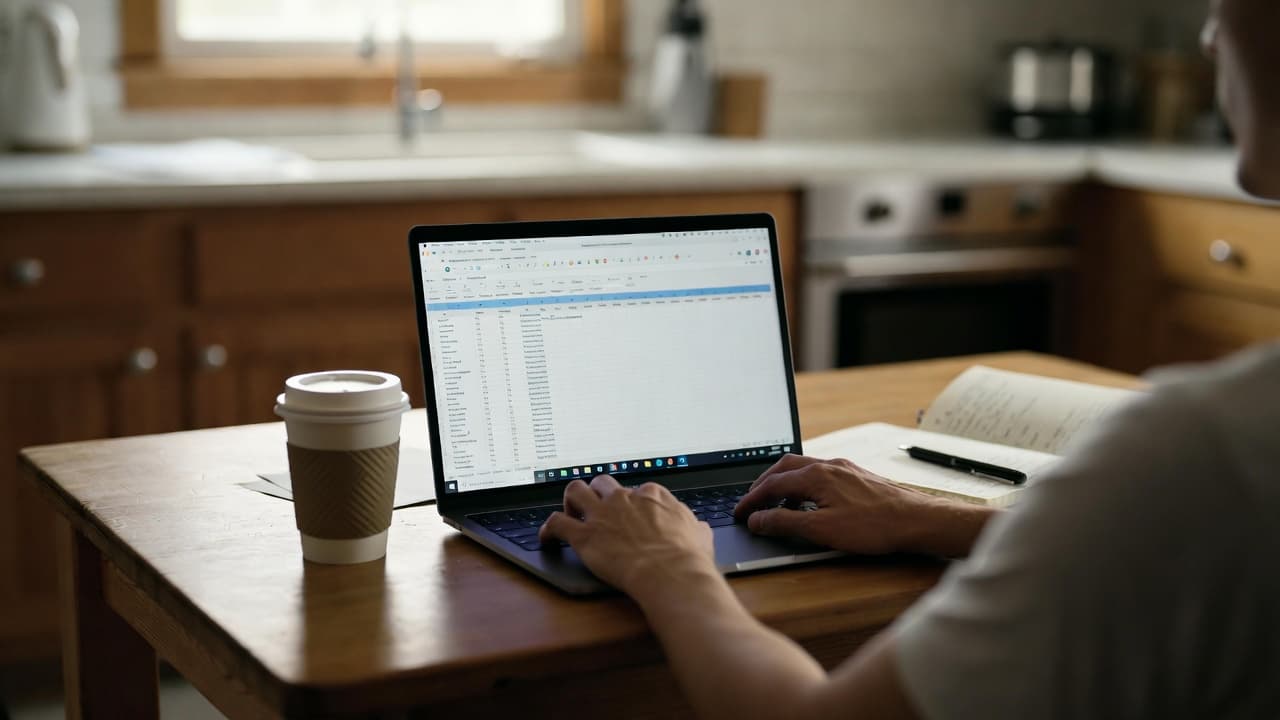
Why home office changes time tracking
Working from home blurs the line between work and private life faster than in an office. With our users I often see that breaks are no longer cleanly separated or the laptop simply runs in the background. This leads to inaccurate data and potentially legal trouble.
The ECJ ruling of 14 May 2019 (C-55/18) obliges all member states to introduce an objective, reliable and accessible system for recording daily working time. In Germany the Federal Labour Court clarified with its decision of 13 September 2022 (1 ABR 22/21) that this obligation already exists – even without a new statutory regulation in the Working Hours Act. The same rules apply to home office work as to office work.
What does this mean in practice?
You must document the start, end and duration of daily working time as well as breaks. Simply noting total hours at the end of the month is not enough. A handwritten note on the kitchen table is legally weak because it is not objectively verifiable.
I consider Excel lists to be overrated once more than three people are involved. At Nordlicht Studios GmbH we used Excel for a long time – after six months the break times of two employees were regularly missing because they had forgotten to update the rows.
Practical implementation in everyday life
Start the day with a fixed ritual: open the laptop, start the app, time runs. At GreenBox Logistik the developers use exactly this approach for the Tracking-App-MVP project. They track per task, not just per day. This way they can immediately see on Friday evening whether the 38.5 hours were realistic.
A concrete calculation example: A freelancer charges €90 per hour. On 12 days per month he forgets to document a 15-minute break. That is 3 hours. 3 × €90 = €270 in lost revenue or overpaid overtime to the client. Over the year this adds up to more than €3,000.
Typical pitfalls in the home office
The biggest pitfall is constant availability. Many people start answering emails at 7:30 a.m. while still having breakfast. If you do not track this, you later lack proof that you actually worked. Conversely, anyone who answers a Slack message at 10 p.m. must also record that time.
Another special case is childcare breaks. These do not count as working time but must still be documented so that the actual working time remains correct. Our app separates this automatically when you start the break manually.
Comparison: Manual method vs. app
| Criterion | Manual timesheet | Dedicated app |
|---|---|---|
| Verifiability | Low | High (automatic timestamps) |
| Break recording | Manual, often forgotten | One click, timer continues |
| Multiple projects | Difficult | Automatic allocation |
| Export for tax advisor | Manual collection | One-click PDF |
For teams with more than five people the app solution is clearly superior. At Baumann & Partner Steuerberatung we switched from Excel to Jomawo – monthly correction time dropped from four hours to less than 30 minutes.
Further reading and internal links
If you already work remotely, you will find more practical tips in our article free time tracking for remote work. It focuses mainly on the technical side without additional costs.
Another common mistake is incorrect documentation of overtime. I have already written a separate post on that topic if you need it.
In the end, one thing matters most: the method must be so simple that you actually use it every day. Everything else only leads to incomplete data and later problems.
Test it directly at jomawo.com/en.
Frequently asked questions
You might also like

So you have more time for what really matters.
Start for free now and track up to 160 hours per month – without paying a cent.