Time Tracking and DATEV: How to Achieve Seamless Integration
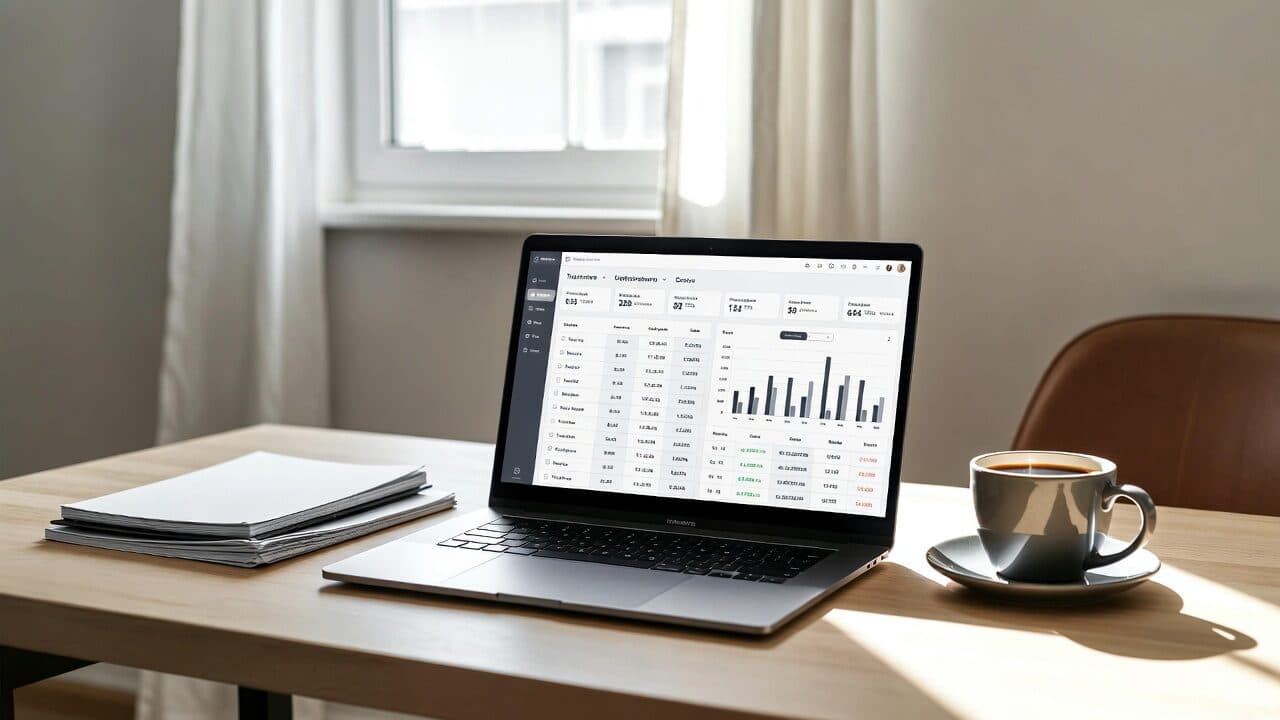
Why Connecting Time Tracking with DATEV Matters
Freelancers and small teams rely on time tracking tools to log working hours. Transferring this data to DATEV saves time and reduces errors in payroll or invoicing.
Requirements for a Smooth DATEV Connection
Before exporting, make sure your software supports the correct file formats. CSV or native DATEV-compatible files are essential.
Which Data Points Are Needed?
- Employee or freelancer master data
- Project and activity descriptions
- Working times with date and duration
- Break times and overtime
Step-by-Step Export Guide
Most modern tools offer a direct export function. Simply select the desired period and download the file in the required format.
Tips for Error-Free Transfers
Always verify column headers before uploading. Incorrect mappings quickly cause issues in DATEV.
A clean export can eliminate up to 80 % of manual corrections in accounting.
Common Challenges and Solutions
Users often face missing project assignments or inconsistent date formats. Good software detects these problems automatically and warns before export.
Helpful Internal Links
Use our timesheet export feature to generate DATEV-ready files directly. The reports overview also helps you review all recorded hours.
For additional guidance, see our article on efficient time tracking for multiple clients, as clean project assignments greatly simplify DATEV integration.
Frequently Asked Questions
Which export format does DATEV require?
DATEV generally accepts CSV files with a specific column structure or its native format.
Can breaks be excluded automatically?
Yes, most time tracking tools allow you to exclude breaks when exporting to DATEV.
How often should I export data?
Monthly exports are common to keep accounting up to date.
Does the integration work for remote teams?
Absolutely – data is captured centrally and can be exported regardless of work location.
Streamline your workflow today with smart time tracking. Try the export features at https://jomawo.com and save valuable time on DATEV transfers.
You might also like

So you have more time for what really matters.
Start for free now and track up to 160 hours per month – without paying a cent.