Great UI/UX in Free Work Time Software for Designers
Why UI/UX Matters in Time Tracking Tools for Designers
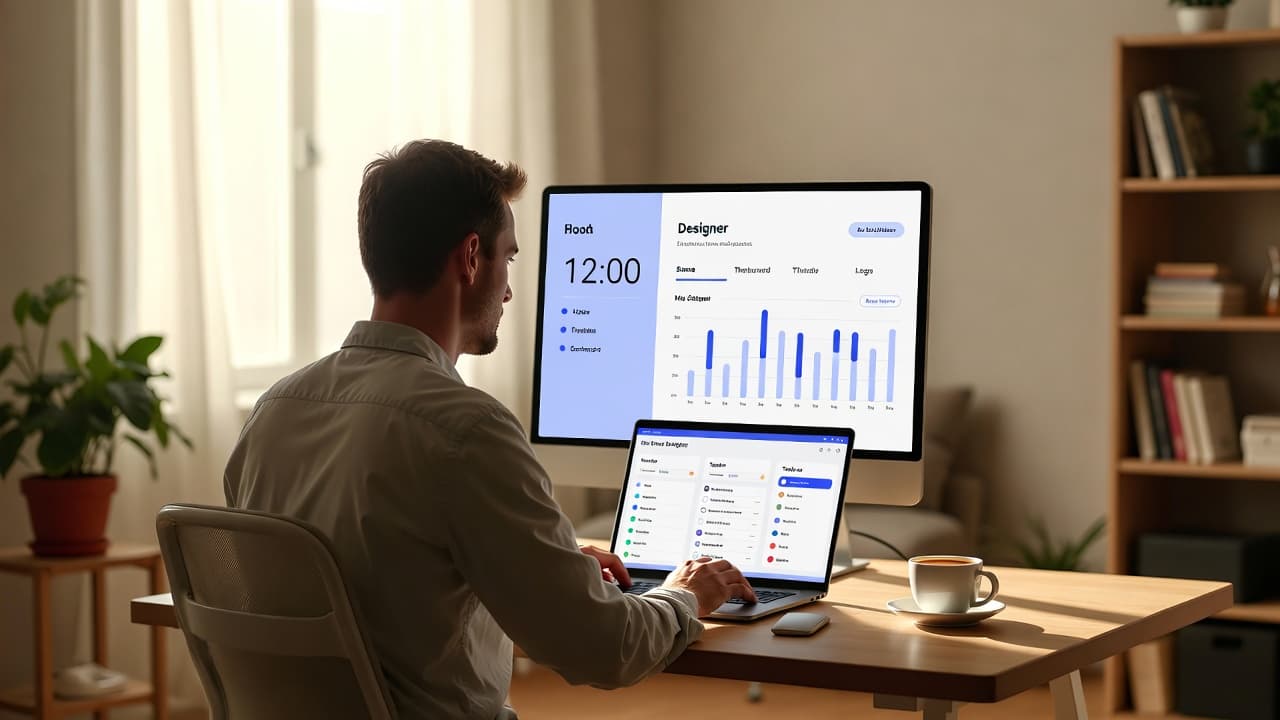
Designers focus on creative work. Complicated software breaks their flow. A well-designed interface makes logging hours quick and natural instead of disruptive.
Simple Operation Saves Time
UI/UX designers prefer tools that require no lengthy onboarding. Clear icons, logical menus and one-click timers turn time tracking into a habit rather than a chore.
Key UI/UX Features Designers Should Look For
When choosing free software, pay attention to clean dashboards, flexible project assignment and reliable mobile access that works on the go.
- Minimalist design without clutter
- One-click timer functionality
- Smart suggestions for recurring tasks
- Color coding for different projects
Seamless Workflow Integration
Most designers already use Figma or Adobe tools. The best time tracking software integrates smoothly and displays tracked time within the familiar environment.
Practical Benefits for Daily Work
An intuitive interface lets designers log hours effortlessly. This leads to more accurate billing and less stress during project planning. Freelancers especially benefit when juggling multiple clients.
Visually clear reports also help analyze time usage quickly and identify bottlenecks at a glance.
How to Get Started with the Right Tool
Test different free options and focus on how the interface feels in daily use. The best software is the one you actually use consistently. Also check data privacy and export options for your clients.
For more efficiency tips, read our guide 5 Tipps für effiziente Zeiterfassung im Alltag. Designers may also find value in Kostenlose Zeiterfassung für UI/UX Designer.
Frequently asked questions
You might also like

So you have more time for what really matters.
Start for free now and track up to 160 hours per month – without paying a cent.